



How To Solve Hoverboard With Continuous Beeping And Red Lights ?
Digital WebDev
05 August 2026
6 Comments
4 Minutes Read
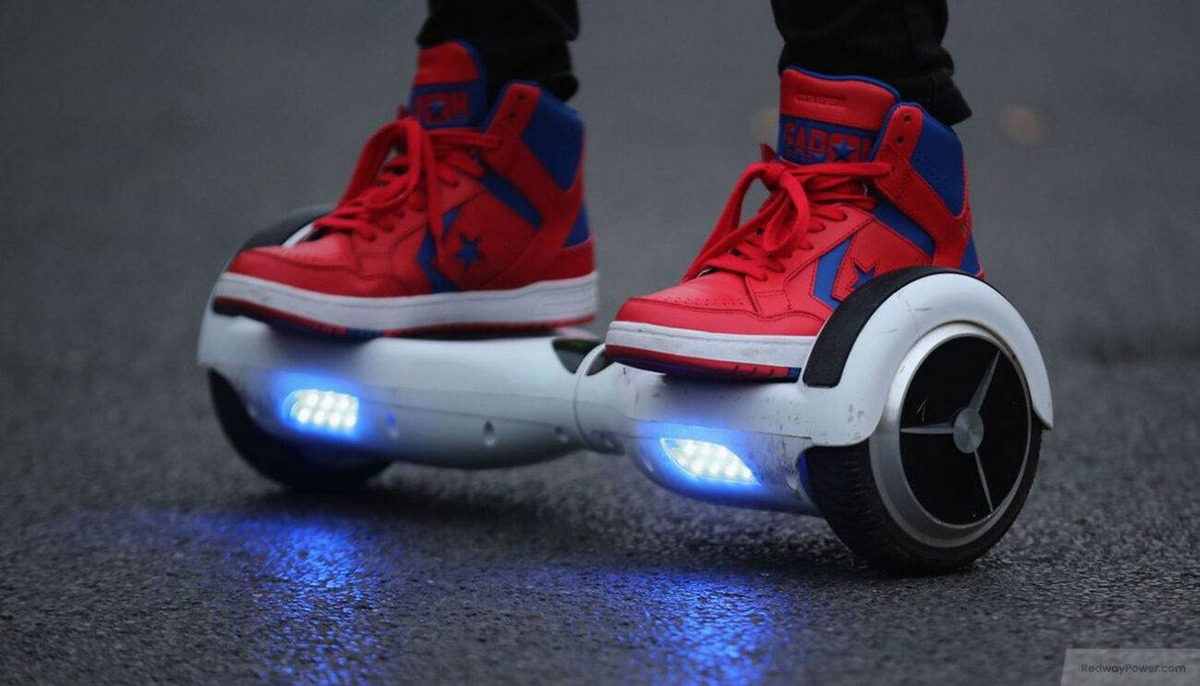
Experiencing continuous beeping and red lights on your hoverboard can be frustrating. Let’s explore common causes and solutions to get your hoverboard back in working order.
Common Causes:
- Low Battery: A low battery often triggers beeping and red lights. Charge your hoverboard fully to resolve this issue.
- Speed Alerts: Exceeding the hoverboard’s maximum speed can activate warning beeps. Slow down to stop the beeping.
- Balance Issues: If the hoverboard is on an uneven surface or the internal sensors are misaligned, it may beep continuously. Ensure you’re on a flat surface and consider recalibrating your hoverboard.
- Overheating: Extended use can cause the hoverboard to overheat, leading to warning beeps. Allow it to cool down before using it again.
- Internal Malfunctions: Internal issues, such as loose wires or faulty components, can also cause continuous beeping and red lights. In such cases, professional repair may be necessary.
Solutions:
- Charge the Battery: Connect your hoverboard to its charger and ensure it charges fully. A complete charge often resolves beeping related to low battery.
- Recalibrate the Hoverboard:
- Place the hoverboard on a flat, level surface.
- Turn off the hoverboard.
- Press and hold the power button for 10 seconds until you hear a beep and see flashing lights.
- Release the power button and turn off the hoverboard.
- Turn it back on; the hoverboard should be recalibrated.
- Inspect for Loose Wires:
- Turn off the hoverboard and carefully open it by removing the screws.
- Check for any loose or disconnected wires.
- Reconnect any loose wires securely, ensuring they match by color.
- Reassemble the hoverboard and test it.
- Allow the Hoverboard to Cool Down: If overheating is suspected, turn off the hoverboard and let it rest for at least 30 minutes before using it again.
- Seek Professional Assistance: If none of the above solutions work, contact the manufacturer or a certified repair service for further assistance.